This spring, we ran a workshop at PrusaLab for our colleagues from Prusa Research where everyone built their own LED lamp. All the places were gone ten minutes after we announced it. The Mood Lamp glows in any colour, can display light effects and is controlled from your phone. Now you can build one at home too: we’ll e-mail you a detailed guide in Czech and English for free.
What’s in the guide
The guide walks you step by step through the whole build in three stages:
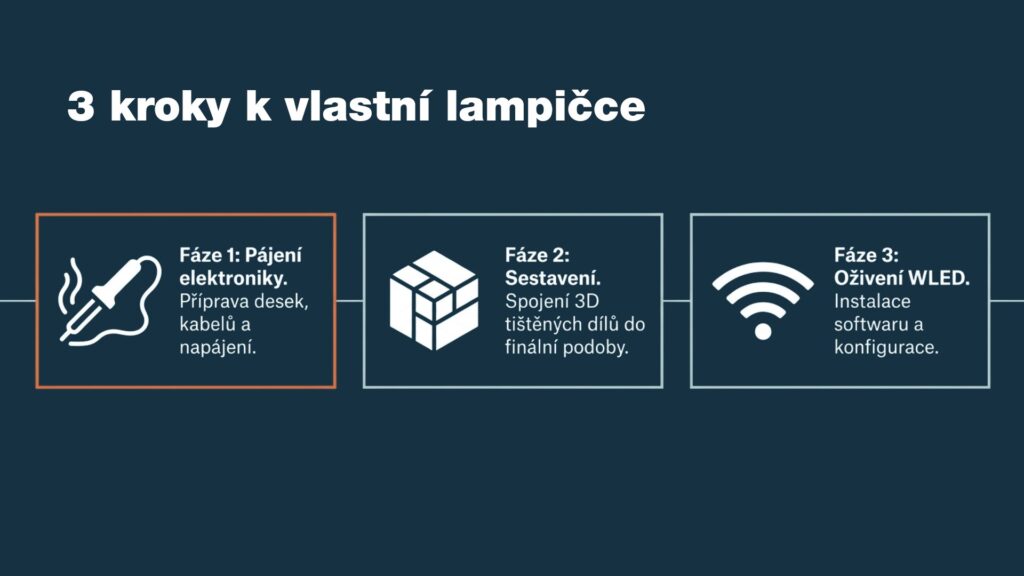
- Soldering the electronics. You’ll solder connectors onto the boards, cables to the LED ring and the power supply from the USB connector.
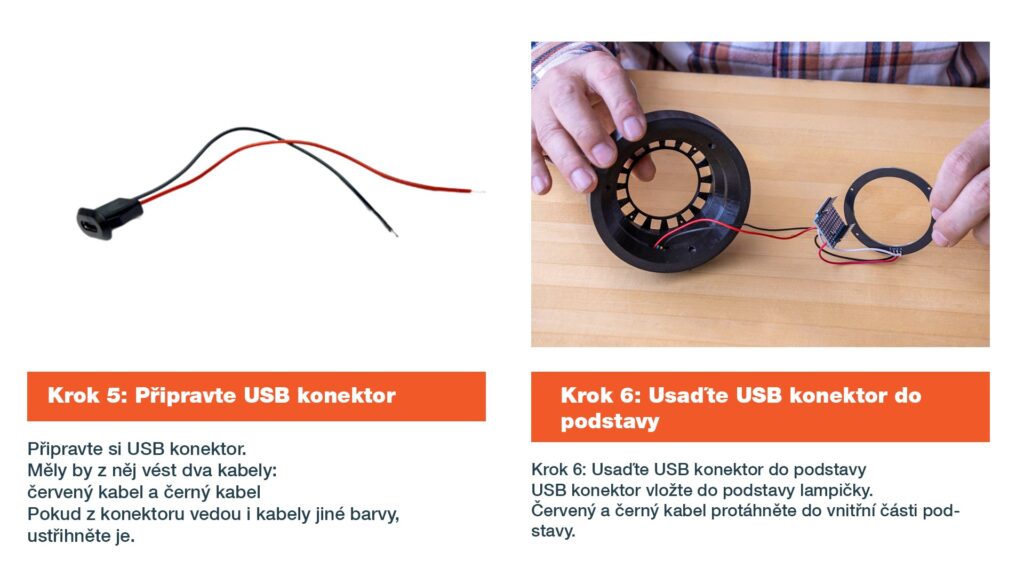
- Assembly. You’ll seat the LED ring and the boards in the 3D-printed base, screw it together and screw on the lampshade.
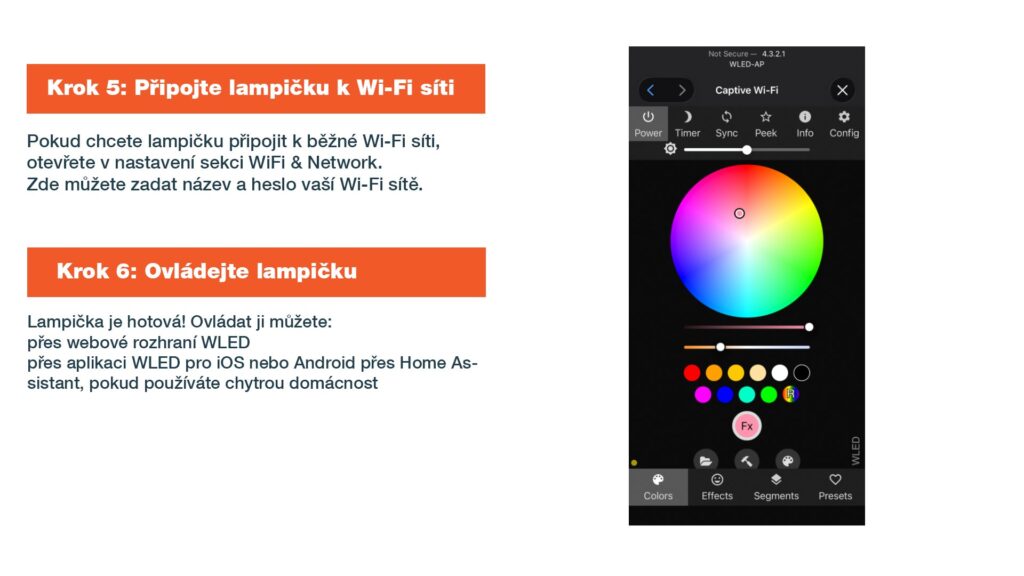
- Bringing it to life with WLED. You’ll flash the WLED software onto the lamp straight from your browser, set up the LEDs and connect the lamp to your home Wi-Fi.
Every step comes with a photo or a screenshot.
What you’ll need
- a Wemos D1 mini development board with an ESP8266 Wi-Fi chip and a prototype shield for it,
- a NeoPixel LED ring with 16 RGB LEDs,
- a USB connector for power, three cables and pin header and socket connectors,
- M3×10 countersunk screws,
- a 3D-printed two-part base and lampshade, you’ll find the models for free on Printables,
- a soldering iron, a computer and a Micro USB cable.
You can get the electronics for a few hundred Czech crowns.
A lamp that does more than just glow
The lamp is controlled by WLED, open-source software for driving LEDs. You can set colours, brightness and dozens of light effects in the web interface or in the WLED app for iOS and Android. If you have a smart home, you can also connect the lamp to Home Assistant and add it to your automations.
Your own lampshade
The lampshade screws onto the base. If you’d like to design your own, it needs an M80 thread with a height of 10 mm and has to be printed scaled up to 102%.
Show it off
You can download the guide using the form above. Once your lamp is finished, tag us on Instagram @prusalab. We’d love to see how it glows at your place.
Photos: PrusaLab.